
What are the benefits of Scan as you Shop?
Save time
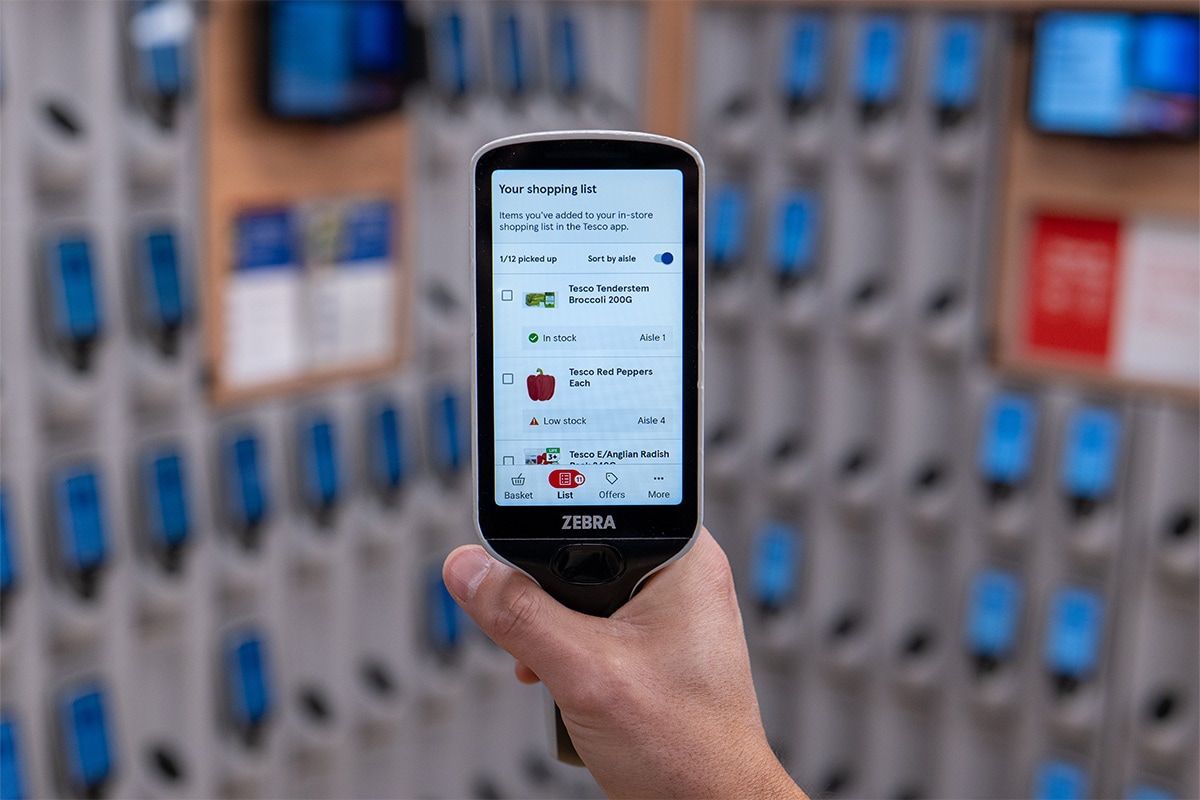
Skip the checkout: simply scan and pack as you go, straight from the shelf into your bag
Track spending
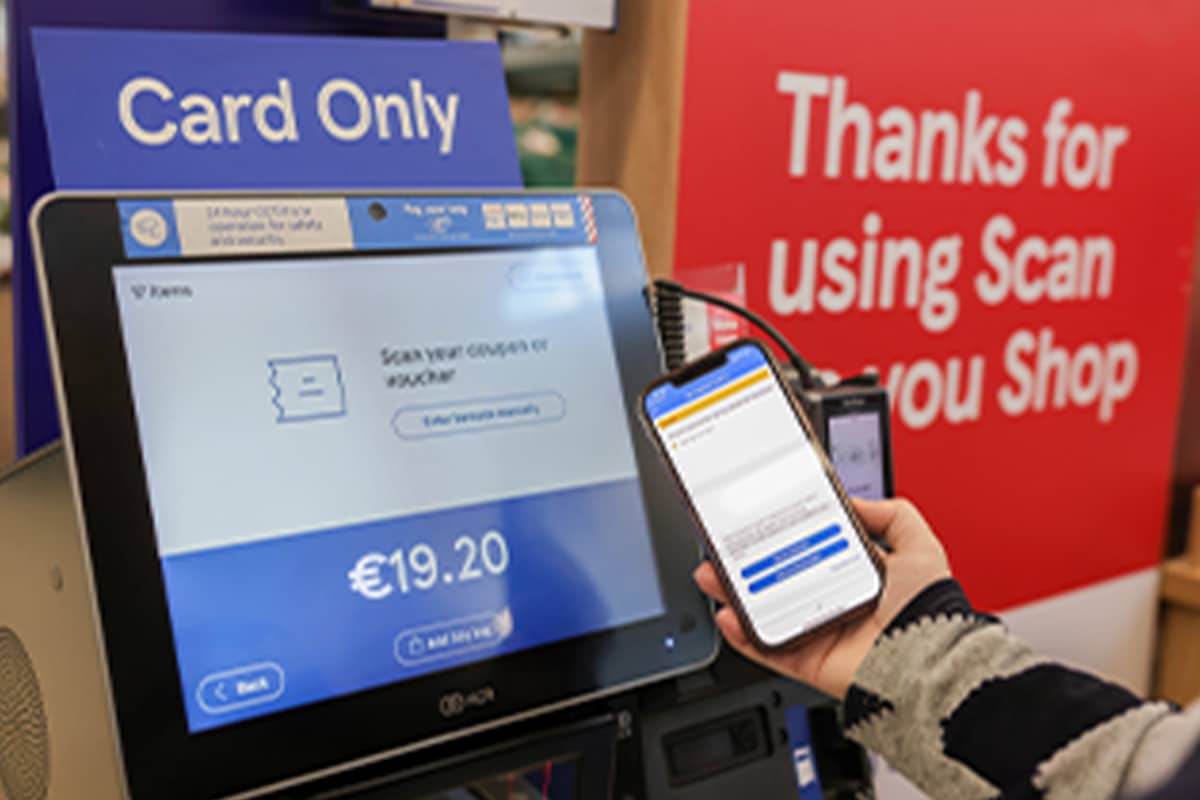
Check how much you've spent on the handset, helping you to keep an eye on your budget
Make the most of Clubcard
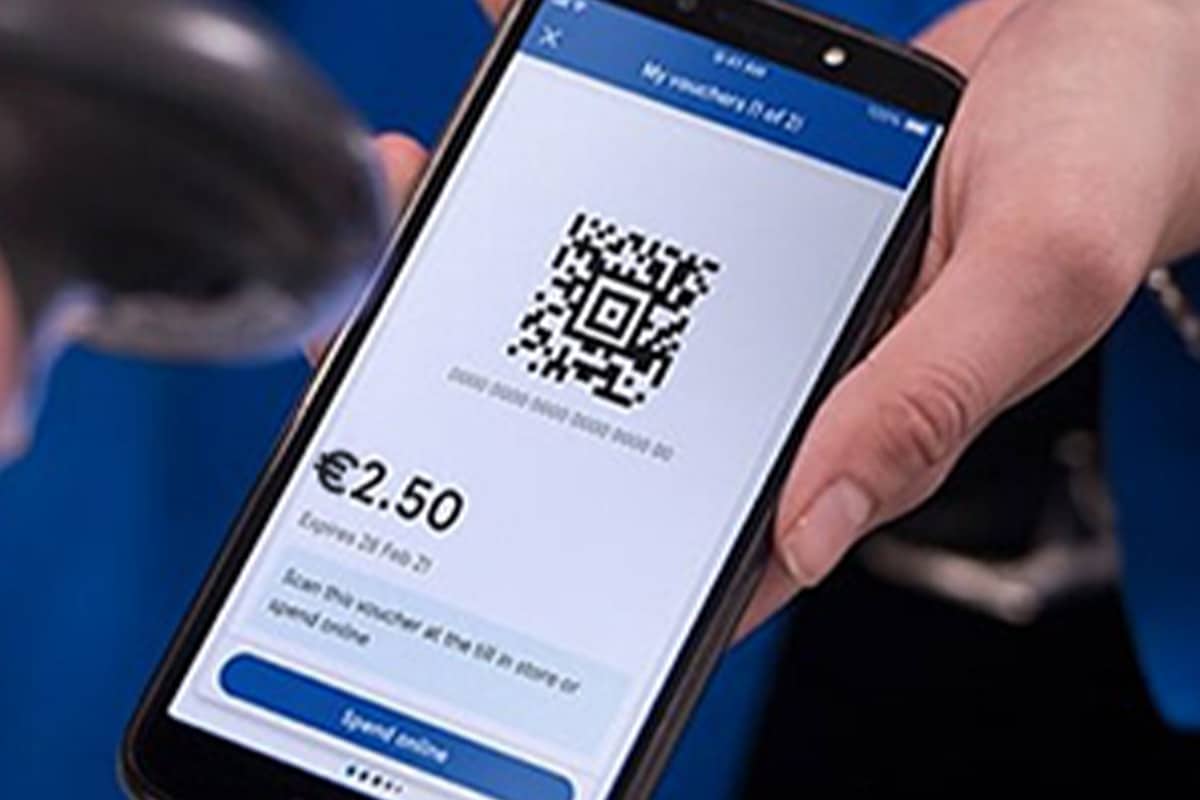
Collect 1 point for every €1 you spend when you Scan as you Shop
How do I use Scan as you Shop?
FAQs
Yes, unless they're fresh fruit and veg – these products need to be weighed in-store. The barcode on the sticker printout will apply to the whole bag. Don't worry, you don't need to scan every banana in a bunch. Everything else, including multibuys, needs to be scanned individually to make sure discounts are applied and you pay the right price.
There are a few items – like fruit, veg and loose bakery items – that aren't individually barcoded. With loose bakery and individual produce items, you'll find a small label and barcode on the shelf edge which you can scan as many times as needed. For fruit, veg and any other items that you need to weigh, you can scan the barcode on the sticker printout. This will cover all the items in the bag.
If any item doesn't scan, just put it to one side in your trolley or basket. Then, at the Scan as you Shop area, mention it to one of our Colleagues and they'll scan it for you.
Treat them the same as your other shopping but, once you've scanned them, put them to one side in your trolley or basket. When you've finished shopping, ask one of our Colleagues at the Scan as you Shop payment area to remove the tags for you.
From time to time, the Scan as you Shop system will prompt us to check a few products at random in a customer's trolley. This is to make sure everything's working as it should be and that you're being charged the right amount. Occasionally, if we suspect there's a problem, we may need to rescan all of your shopping. Don't worry, if this happens to you, one of our Colleagues will be on hand to help.
Service checks are carried out at random as part of the Scan as You Shop service. Any customer can be selected from time to time, helping us maintain an accurate and reliable shopping experience for everyone.
*If any item doesn't scan, just put it to one side in your trolley or basket. Then, at the Scan as you Shop area, mention it to one of our Colleagues and they'll scan it for you.